Warcraft Remastered on macOS via WineMetalGL
⚡ Quick Start Guide: Warcraft I & II Remastered in CrossOver
For those interested in getting set up quickly (rather than reading on the journey), here’s the steps:
- In CrossOver, install the Battle.net Desktop App into a new bottle, then install Warcraft I: Remastered and Warcraft II: Remastered from Battle.net.
- Quit Battle.net, then install the latest WineMetalGL release into that bottle. Either open
WineMetalGL-Settings-<version>.dmgand use Install Crossover, or downloadinstall-crossover.shfrom the release and run in the Terminal app (found in/Application/Utilities):sh install-crossover.sh "Battle.net Desktop App" - For Warcraft I: Remastered, use Terminal again to fix the audio static by switching SDL to DirectSound:
/Applications/CrossOver.app/Contents/SharedSupport/CrossOver/bin/wine --bottle "Battle.net Desktop App" reg add "HKCU\Environment" /v SDL_AUDIODRIVER /d directsound /f - Reopen Battle.net and press Play. Run the installer again after a CrossOver update.
Use your bottle’s name if it isn’t “Battle.net Desktop App”. Tested with CrossOver 26.3 and WineMetalGL 3.7.0.
With the end of Intel support being pushed heavily by Apple since the release of macOS 27 Golden Gate, I took the opportunity to upgrade my workspace from a 2020 Intel iMac 5k with 128 GB of RAM to the new 2026 Mac Studio with 128 GB of RAM. With this transition, however, I’m having to finally bid farewell to my Boot Camp partition for Windows, which has helped me to run Windows only games and apps for almost 20 years since its release in 2007. While the state of macOS gaming is much brighter than it was 20 years back with a wealth of AAA games coming to macOS on platforms like Steam these days, there are still some games I’m very attached to that are not.
Warcraft II: Remastered on Apple Silicon
Two of those games are Blizzard’s Warcraft I Remastered and Warcraft II Remastered. The first video game I ever owned was Warcraft II Battle.net Edition, a gift from my uncle as a kid and one of the few games back then that would run on Mac OS (as it was called back then). The Warcraft II manual and its rather detailed descriptions of Azeroth, the various rival orc clans, and the mystery of the Tomb of Sargeras were fascinating to me and one of the reasons why the Warcraft series largely became my equivalent of the Lord of the Rings universe - a world whose lore I could recite by heart. Unfortunately, when Blizzard chose to remaster the title and its predecessor in 2024, the studio once famous for being one of the few gaming shops supporting Mac OS back in the 90s only supported Windows with the releases. Perhaps not too surprising given their 2023 acquisition by Microsoft, but still a sore point for my nostalgia.
Up until my transition fully to Apple Silicon, I could play these games by booting my Intel iMac up to the Windows partition, but with Boot Camp no longer an option, I needed to find other paths. In recent years, Steam Deck has helped to popularize the long running Wine project, an open source compatibility layer that translates Windows API calls to POSIX ones and thereby unlocks running Windows apps and games on platforms like Linux and macOS. While I’ve been aware of the project and tried leveraging it back in college in 2009, it didn’t fare so well with games back then compared to Boot Camp and so I haven’t really revisited it.
Like any software engineer, I quickly turned to Google to see how others were running Windows games on Apple Silicon and got quickly directed to CrossOver which supports the development of the Wine Project and appears to have made leaps & bounds progress in gaming support since the early days in 2009. Unfortunately, while I was able to install my copies of Warcraft I Remastered and Warcraft II Remastered, I quickly found that they were not playable due to an error stating Failed to initialize OpenGL 4.6.
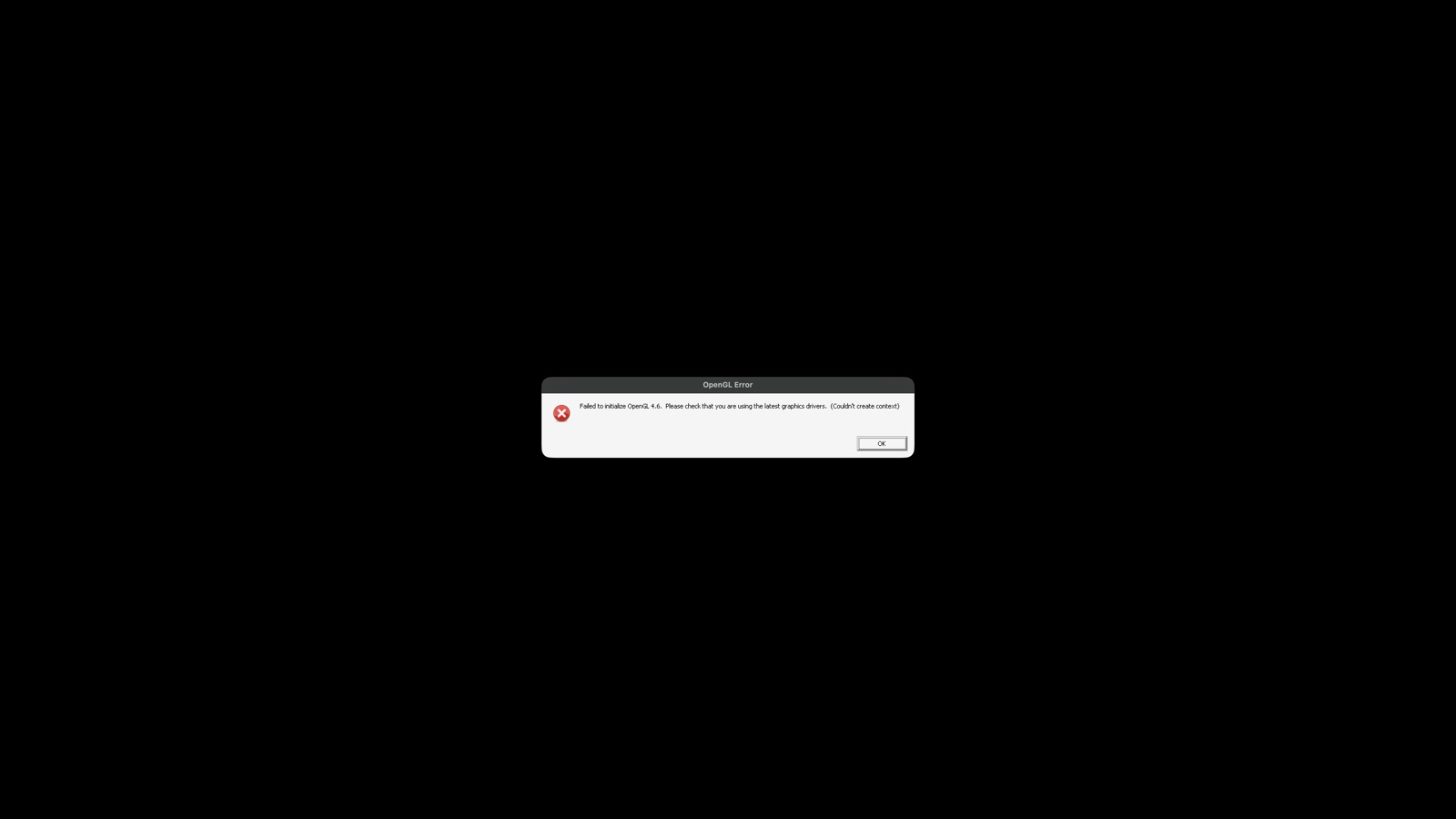
Googling once again, the AI Overview helpfully pointed out that there was a recently released (as in days ago) open source project called WineMetalGL that claimed to have conformance with OpenGL 4.6 and had Doom 2016 running on macOS. A quick glance at the GitHub page confirmed this though the install instructions seemed a bit verbose. And so like all computing problems now in 2026, I turned to Claude Code for help.
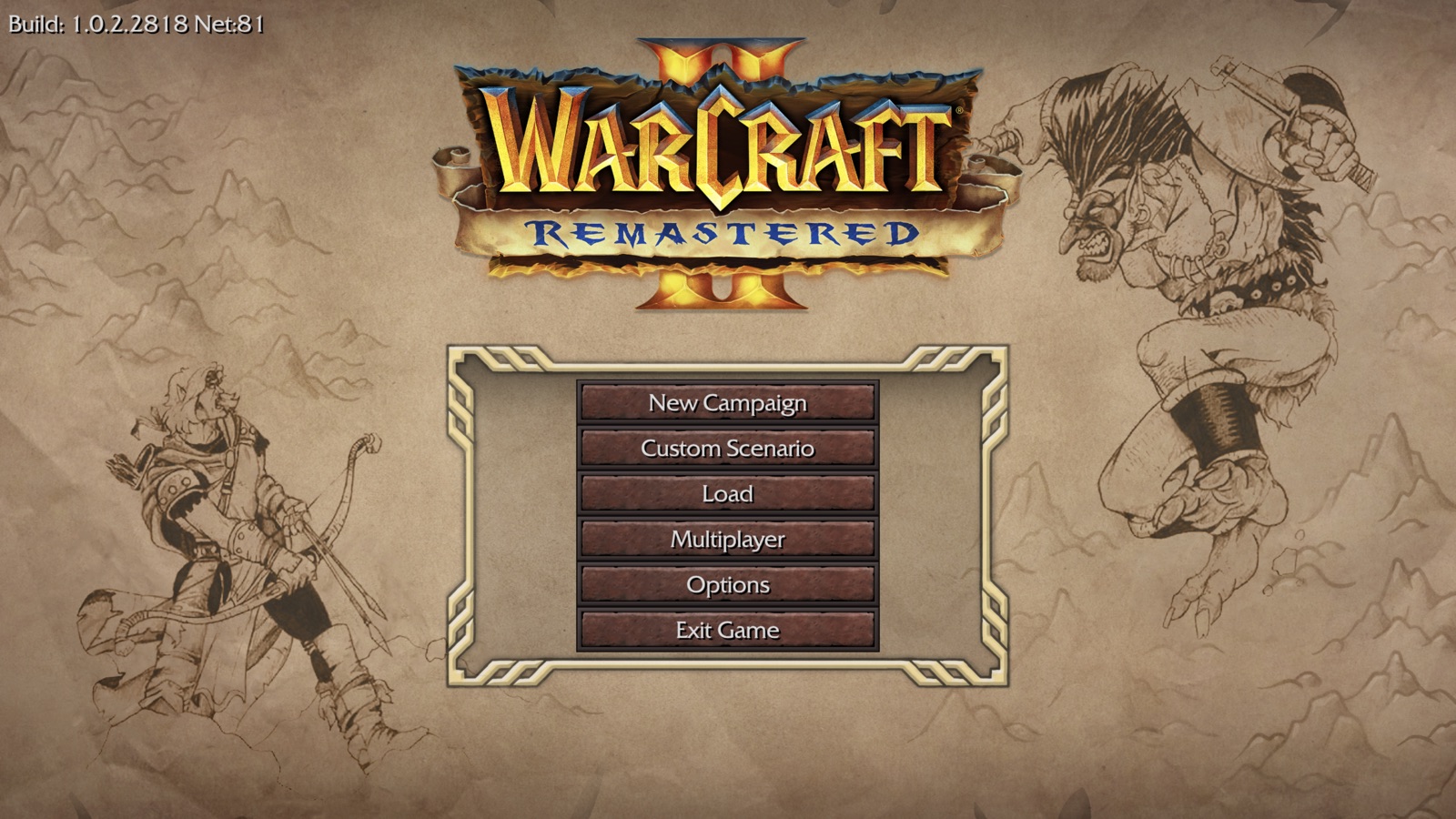
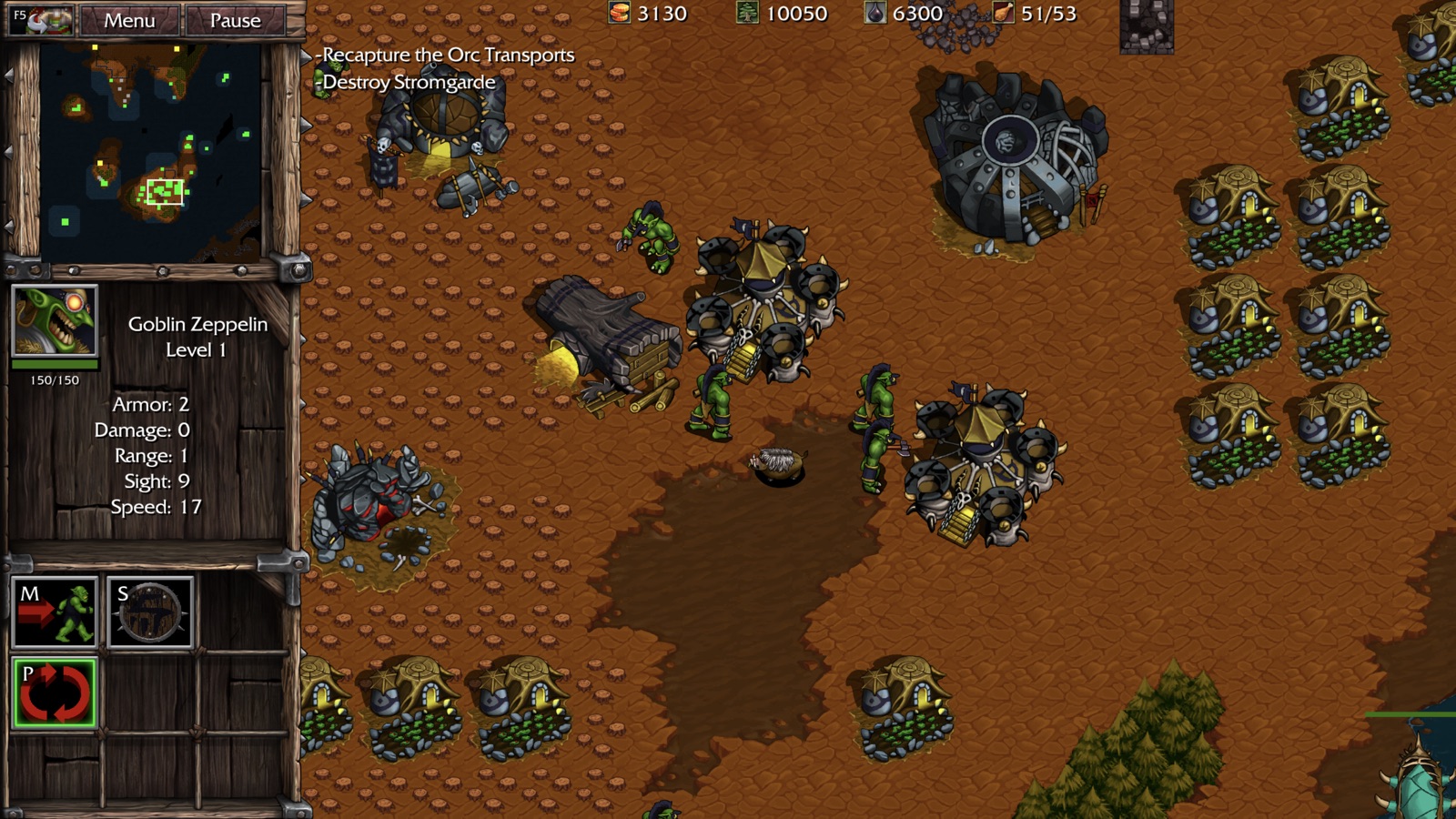
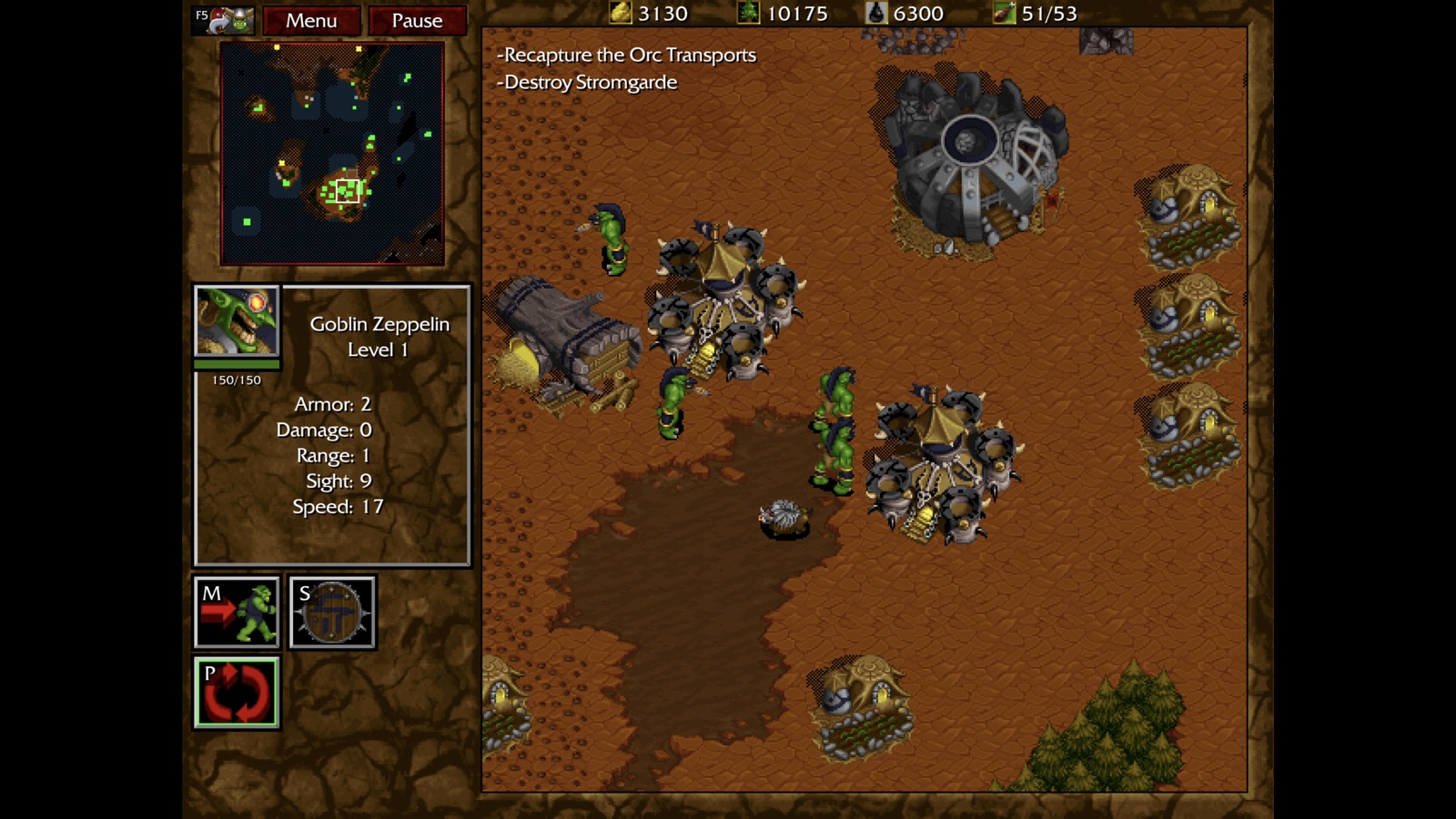
I prompted Claude to help me install WineMetalGL 3.2.0 to my CrossOver’s Battle.net App bottle and then spun up the game. Success! Not only had we gotten around Warcraft II Remastered’s OpenGL 4.6 error in CrossOver, but the game appeared fully functional, allowing me to fully play through the first mission in the Orc campaign. If you’re trying this now, WineMetalGL 3.7.0 has a much nicer install script for CrossOver so you can skip outsourcing the task to Claude.
Warcraft I: Remastered on Apple Silicon
Pleased with this success, I then booted up Warcraft I Remastered and found it similarly ran well though it had some static issues in the audio track. I once again turned to Claude, who with some back & forth on the debugging, determined that we needed to make SDL use DirectSound instead and provided a registry change for the bottle to workaround CrossOver dropping SDL_AUDIODRIVER from the environment even when passed with --env.
/Applications/CrossOver.app/Contents/SharedSupport/CrossOver/bin/wine --bottle "<bottle>" reg add "HKCU\Environment" /v SDL_AUDIODRIVER /d directsound /f
Claude’s "Warcraft I Remastered" Diagnosis
Title: Warcraft I: Remastered: audio static on SDL’s default WASAPI output, fixed by SDL_AUDIODRIVER=directsound
Environment
- CrossOver 26.3
- macOS 27.0.1, Apple M5 Max
- Bottle: win10_64 template, installed through the Battle.net Desktop App, MSync on
Problem Constant static and stuttering in the audio, starting at the Blizzard logo. It happens on every output device I tried, wired speakers and Bluetooth, and with either OpenGL backend.
Cause The game embeds SDL 2.30.1. By default SDL plays audio through WASAPI, so in Wine the path is mmdevapi, then winecoreaudio. That path produces the static. The game never loads DirectSound unless told to.
Workaround Make SDL use DirectSound instead:
/Applications/CrossOver.app/Contents/SharedSupport/CrossOver/bin/wine --bottle "<bottle>" reg add "HKCU\Environment" /v SDL_AUDIODRIVER /d directsound /f
With this the audio is clean. Wine’s DirectSound logged a single Probable buffer underrun at startup and nothing after that.
To undo the workaround, run:
/Applications/CrossOver.app/Contents/SharedSupport/CrossOver/bin/wine --bottle "<bottle>" reg delete 'HKCU\Environment' /v SDL_AUDIODRIVER /f
Note for CodeWeavers
CrossOver’s bin/wine drops SDL_AUDIODRIVER from the program’s environment. It gets dropped whether it’s set in the shell or passed with --env, although other SDL variables such as SDL_AUDIO_SAMPLES come through. That’s why the registry route is needed. If the filtering is deliberate, a per-bottle option or a CrossTie entry for this game that sets SDL_AUDIODRIVER=directsound would fix it for everyone.
Other observations
- When launched directly from
Warcraft.exe, the game exits once it can’t reach Battle.net. That’s expected. - With the default output (Wine’s
winecoreaudio), CoreAudio logs warnings on an 8-channel output device:fixme:coreaudio:ca_channel_layout_to_channel_mask Unhandled channel 0x31 / 0x33, andunix_set_volumes Couldn't set master volume. The static also happens on 2-channel outputs, so these warnings probably aren’t the cause.
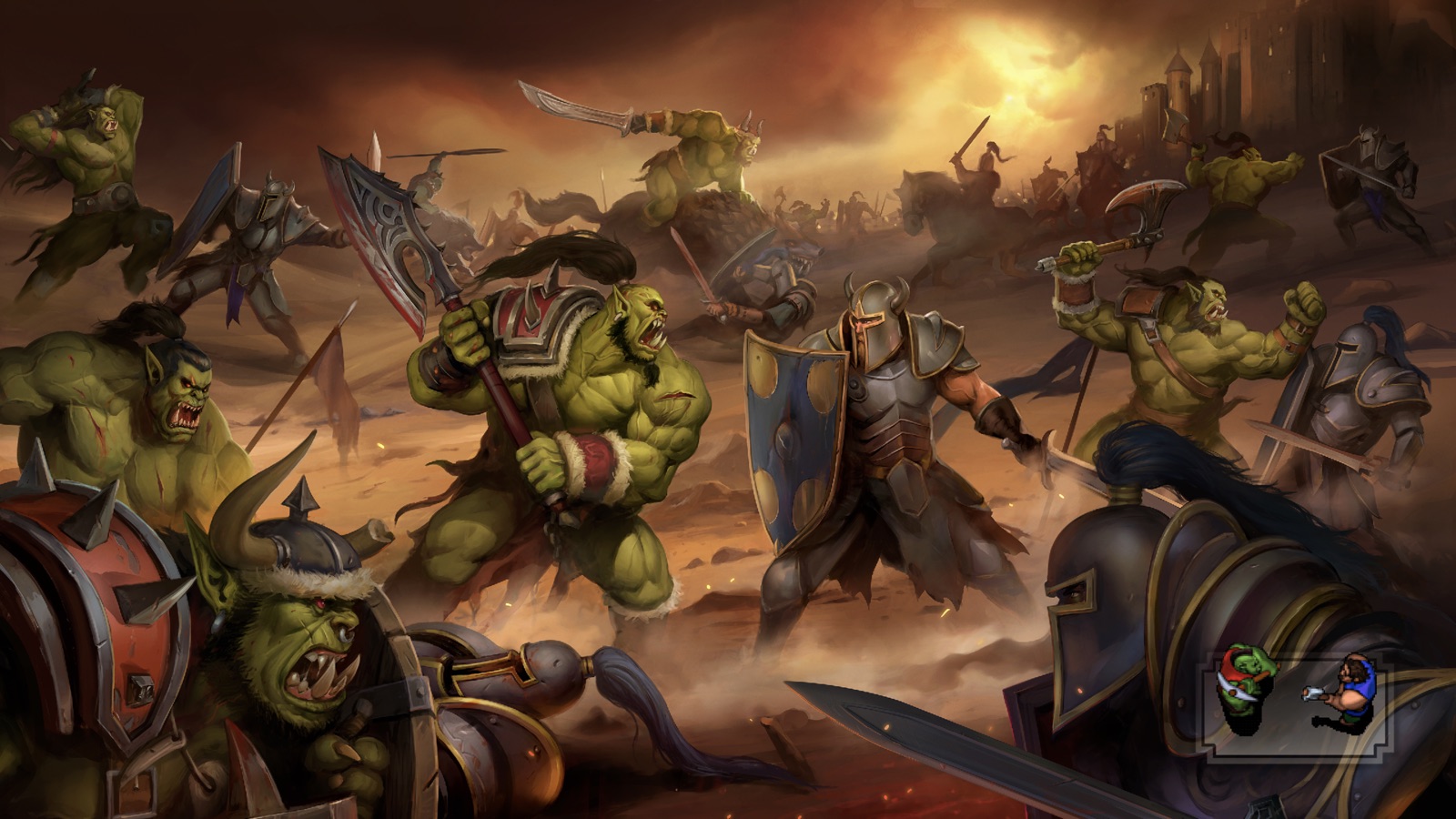
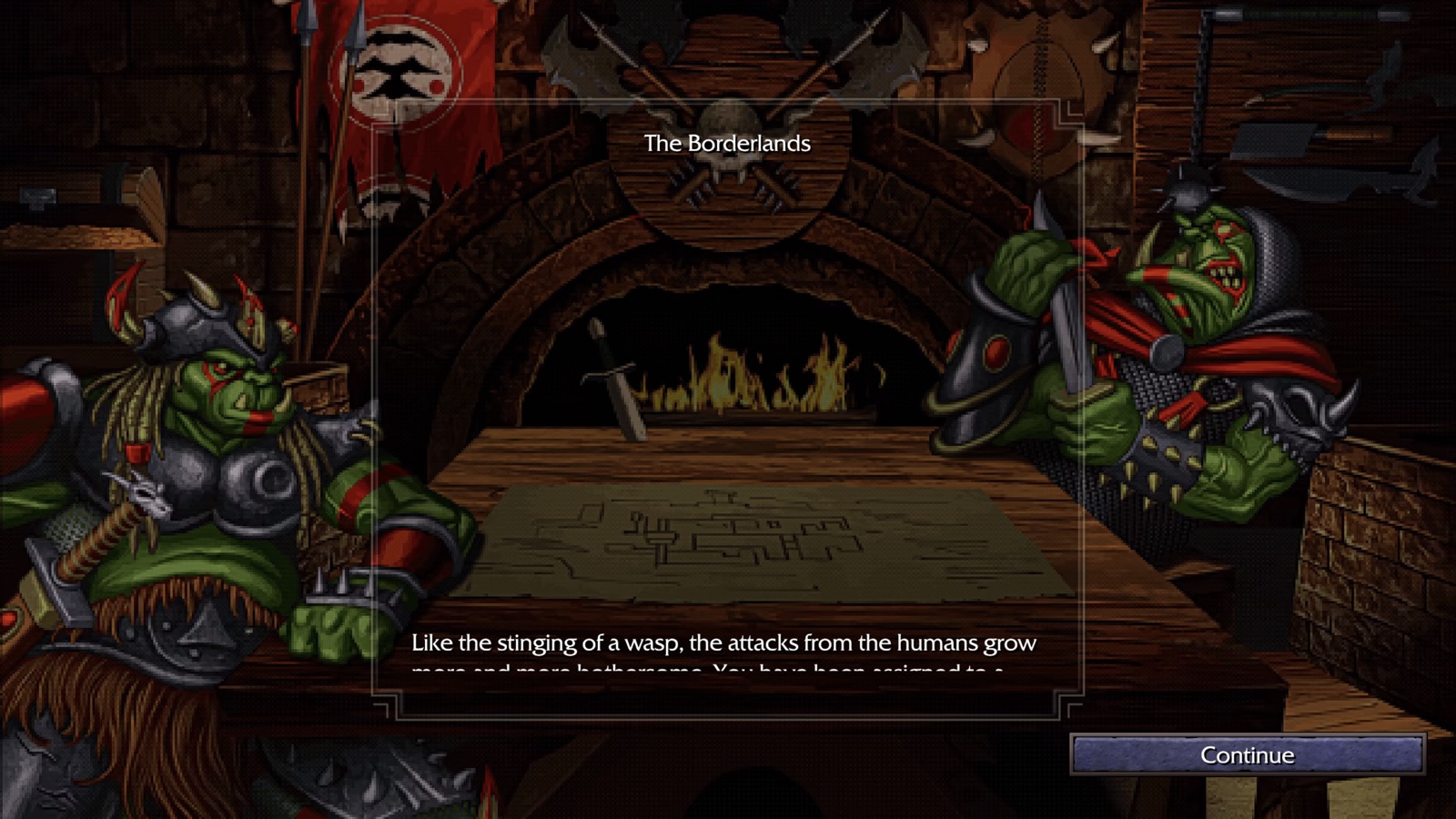
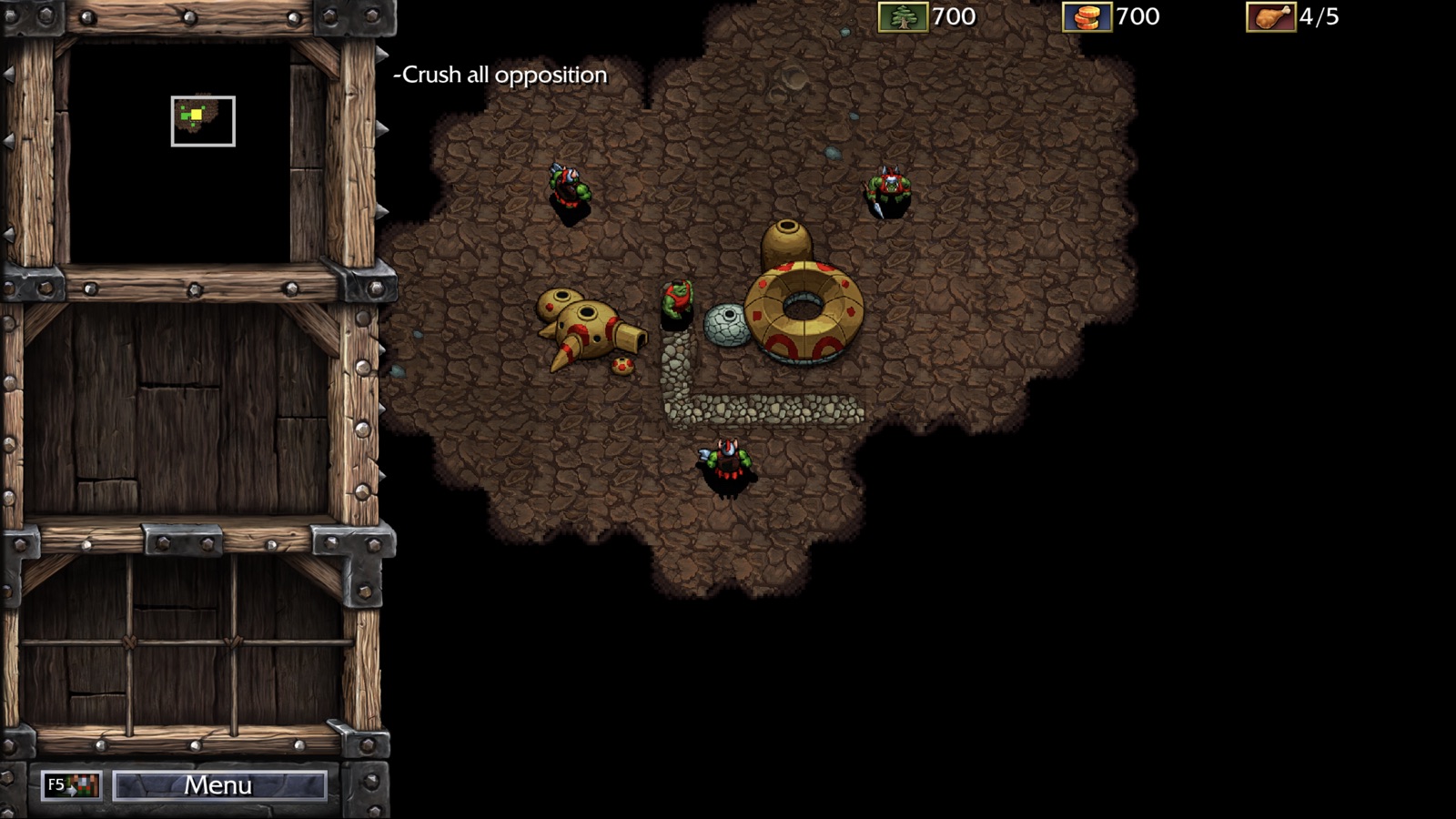
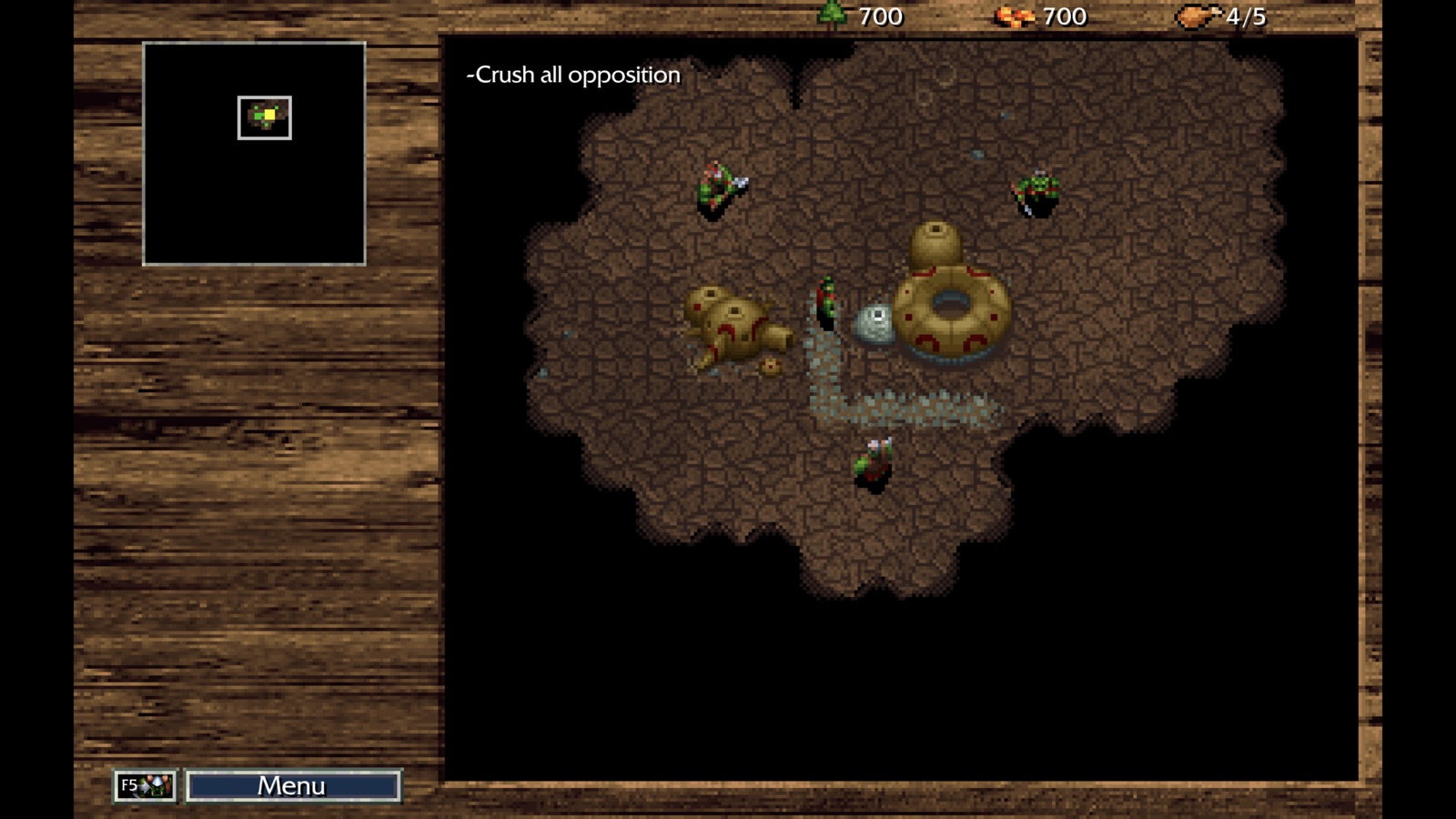
With the registry change switching SDL’s audio driver, I played through the first mission of the Orc campaign on Warcraft I Remastered as well, quickly learning how much more brutal the opening mission is there with requiring you to mine a second gold mine to be able to afford all your farms & Barracks for the mission objectives.
Warcraft III (Legacy) on Apple Silicon
Being a true fan of Warcraft, I did need to try out my digital copies of Warcraft III: Reign of Chaos & Warcraft III: The Frozen Throne as well (which are also annoyingly only available via Windows if you want Legacy and not Reforged). Installing & booting up these titles, the games ran well with WineMetalGL in CrossOver, but I did notice that the cinematics did not appear on screen with just the audio heard.
This time, the session with Claude was a bit more involved. Claude first pointed out the .mpq files were really AVI files with Blizzard’s BLZ0 MPEG-4 video codec and CrossOver’s bundled GStreamer wouldn’t be able to decode that. So, it decided it would just convert the movie files to Cinepak with PCM audio, which I had to quickly put the kibosh on as I don’t want to change original files in the game. I corrected Claude that we should install LAV Filters as I’d seen a few forum posts about it when Googling:
Rather than re-encoding the movies, I've heard some folks mention success with LAV Filters (https://github.com/Nevcairiel/LAVFilters). Can you review? I'm also curious if there's not something we can do with the bundled GStreamer to fix this.
After installing the LAV Filters, the cinematics still only played audio with nothing on screen. When I turned back to Claude, it suggested disabling WineMetalGL for just this game, using --debugmsg/--cx-log and registry AppDefaults overrides. Once done and running again using CrossOver’s built-in opengl32 and wined3d, the cinematic now showed properly and so we knew that LAV Filters would resolve the video decoding issue but there was something further to fix in WineMetalGL.
With a little more work, Claude found two bugs in WineMetalGL. The first was that WineMetalGL’s CAMetalLayer was covering the child window Wine creates for the video playback and its placement only updated when the game swapped frames, which it stops doing during a movie. Claude’s first attempt cut a “hole” in the layer for the video window, but that only revealed a white box. It seems Wine’s video renderer draws to the window’s front buffer and calls glFlush, but WineMetalGL never presented on glFlush. With that fixed, we reopened the game and saw the cinematics (woo!) but also a brief white flash before they started. That flash came from the hole showing unpainted before the video had drawn its first frame, so Claude delayed new holes by a moment while still removing them immediately.
After reviewing Claude’s code, having it run the suite of tests in the project, and manually testing on my copies of Warcraft, I submitted the PR to address the issue to the upstream, where it released on October 18th, 2026 with the WineMetalGL 3.3.0 release.
Many thanks to Avery Felts for their work on WineMetalGL and unlocking these childhood classics to macOS like they were back in the 90s!